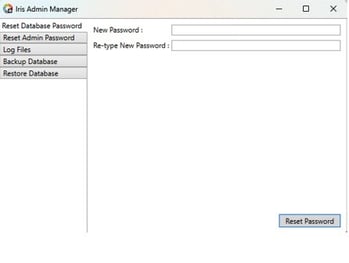
To Reset your Database Password
-
Login or RDP to the Iris Admin Server
-
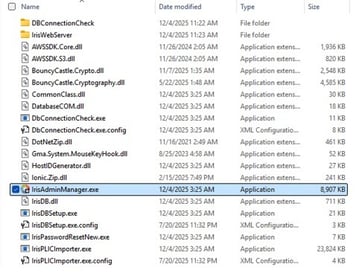
Navigate to C:\Program Files\GrayMeta\Iris Admin\Server
-
Double click the IrisAdminmanager.exe executable file as seen in this image:
- Select the top tab named “Reset Database Password” and input new password then click
the Reset Password button in the bottom right corner.